
rli) provides both an interactive terminal UI and traditional CLI commands for managing your Runloop resources.
npm Package
@runloop/rl-cli
GitHub Repository
runloopai/rl-cli
Installation
Setup
Configure your API key:Quick Start
- Interactive Mode
- CLI Mode
Launch the interactive UI with a beautiful terminal interface:Navigate with arrow keys, select with Enter, and manage all your resources visually.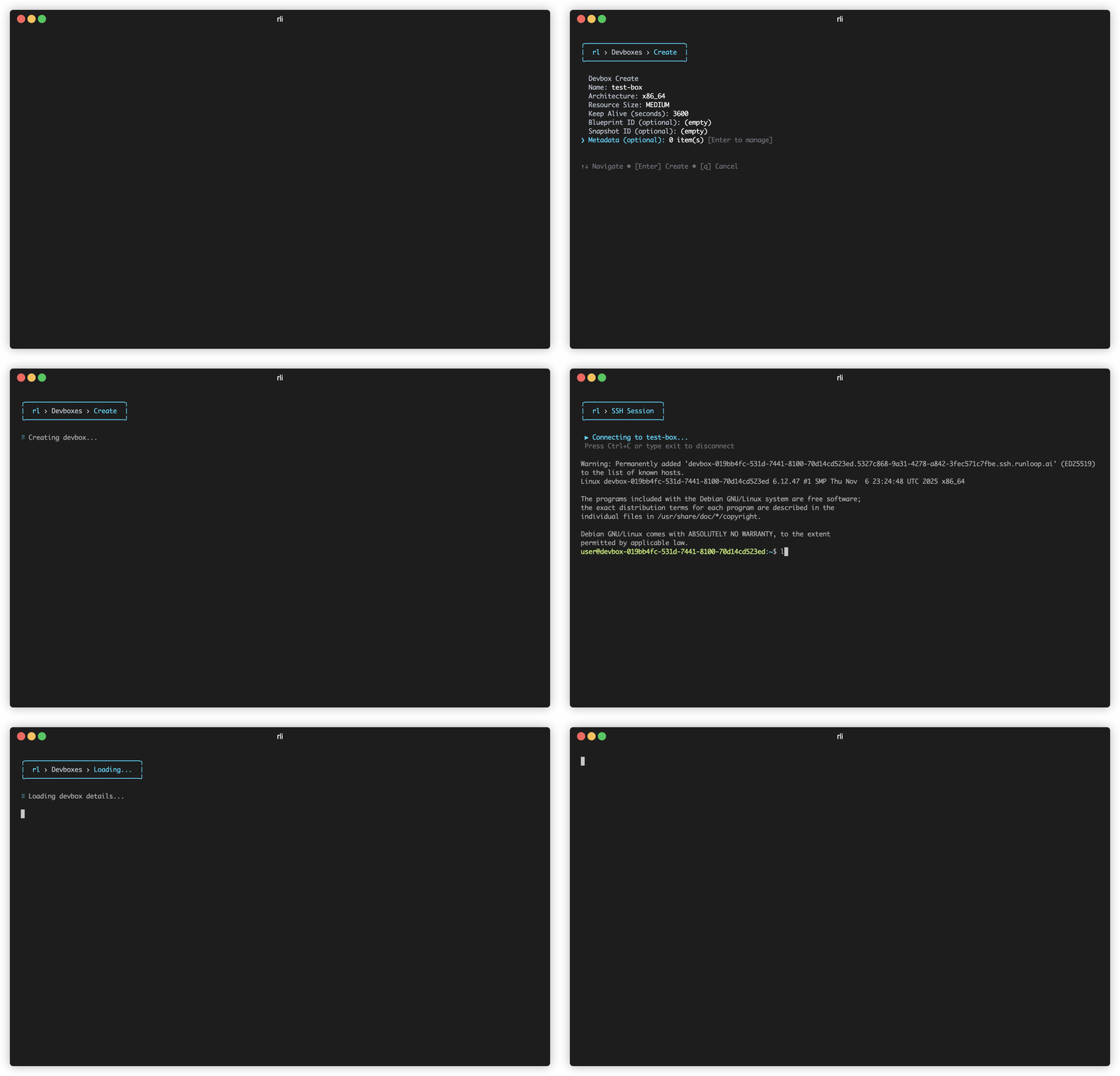
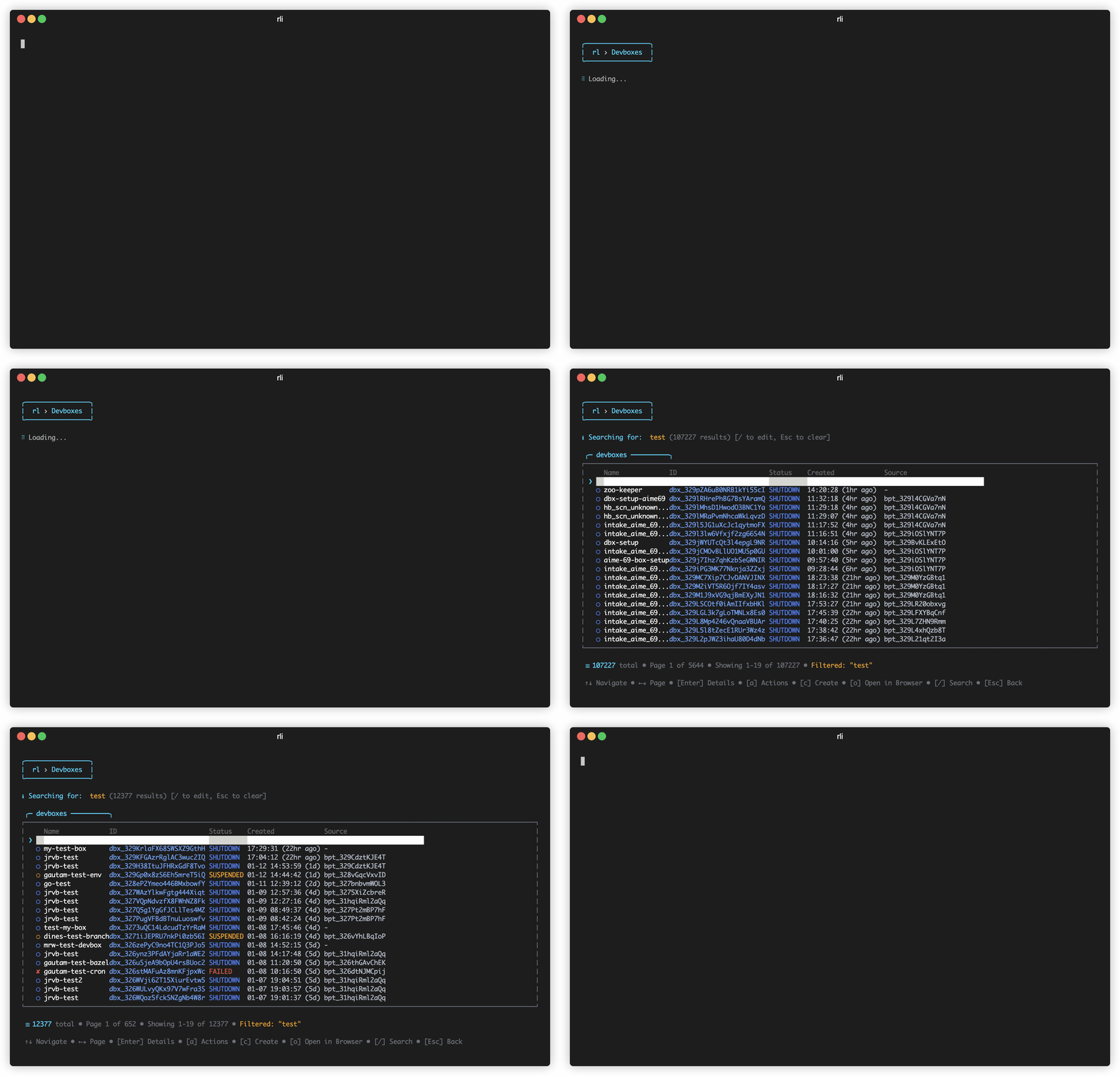
Search Devboxes
Press/ to search and filter through your devboxes by name or ID.SSH to Devbox
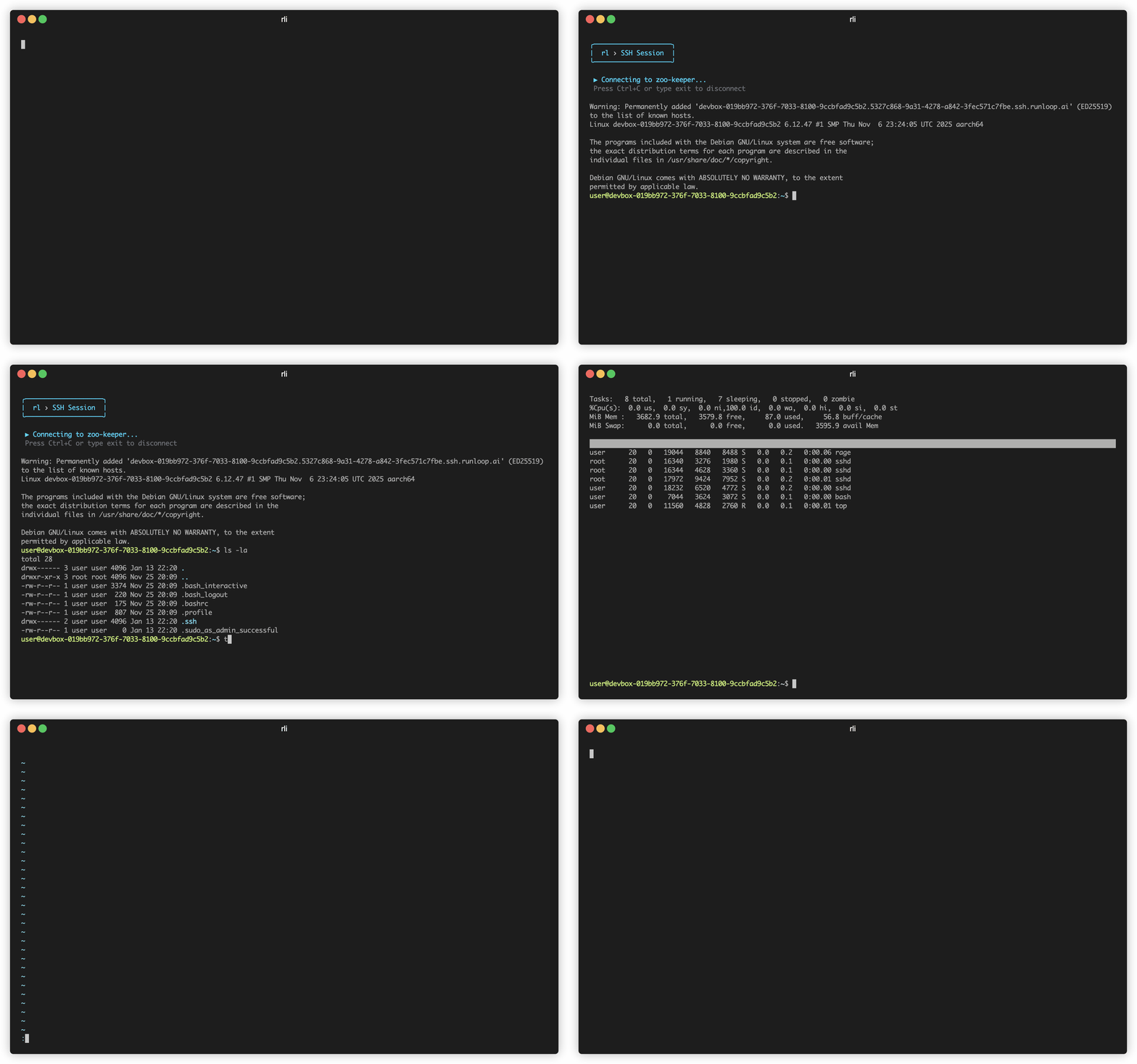
From the interactive menu, select a devbox and choose SSH to open a secure shell session directly into your devbox. The CLI handles all the SSH key setup and connection details automatically.Command Groups
Devbox
Create, manage, and interact with devboxes
Benchmark Job
Run and manage orchestrated benchmarks
Snapshot
Create and manage devbox snapshots
Blueprint
Manage reusable devbox templates
Object
Upload and manage file objects
Command Reference
Devbox Commands
create
create
Create a new devbox
string
Devbox name
string
Snapshot ID to use (alias: —snapshot)
string
Snapshot ID to use
string
Blueprint name or ID to use
string
Resource size (X_SMALL, SMALL, MEDIUM, LARGE, X_LARGE, XX_LARGE)
string
Architecture (arm64, x86_64)
string
Entrypoint command to run
string[]
Initialization commands to run on startup
string[]
Environment variables (format: KEY=value)
string[]
Secrets to inject as environment variables (format: ENV_VAR=SECRET_NAME)
string[]
Code mount configurations (JSON format)
string
Idle time in seconds before idle action
string
Action on idle (shutdown, suspend)
string[]
Available ports
boolean
Run as root
string
Run as this user (format: username:uid)
string
Network policy ID to apply
string
Tunnel authentication mode (open, authenticated)
string[]
Gateway configurations (format: ENV_PREFIX=gateway_id_or_name,secret_id_or_name)
string[]
MCP configurations (format: ENV_VAR_NAME=mcp_config_id_or_name,secret_id_or_name)
list
list
delete
delete
Shutdown a devbox
exec
exec
upload
upload
get
get
Get devbox details
suspend
suspend
Suspend a devbox
resume
resume
Resume a suspended devbox
shutdown
shutdown
Shutdown a devbox
ssh
ssh
scp
scp
Copy files to/from a devbox using scp (e.g. rli devbox scp dbx_id:/remote ./local)
string
Additional scp options (quoted)
rsync
rsync
Sync files to/from a devbox using rsync (e.g. rli devbox rsync dbx_id:/remote ./local)
string
Additional rsync options (quoted)
tunnel
tunnel
read
read
write
write
download
download
exec-async
exec-async
get-async
get-async
Get status of an async execution
send-stdin
send-stdin
logs
logs
View devbox logs
Benchmark Job Commands
Run orchestrated benchmarks at cloud scale. See Orchestrated Benchmarks for detailed usage.run
run
Run a benchmark job with one or more agentsSupported public agents:
string[]
required
Agent(s) to run. Format:
agent:model (e.g., claude-code:claude-sonnet-4-6). Can specify multiple.string
Benchmark ID or name to run
string[]
Scenario IDs to run (alternative to —benchmark)
string
Name for this job
string[]
Environment variables (format: KEY=value)
string[]
Secrets to inject (format: ENV_VAR=SECRET_NAME)
string
default:"7200"
Agent timeout in seconds
string
default:"1"
Number of attempts per scenario
string
default:"10"
Number of concurrent trials
string
default:"1.0"
Timeout multiplier
claude-code, codex, opencode, goose, gemini-cliwatch
watch
Watch benchmark job progress in real-time (full-screen)
summary
summary
list
list
Snapshot Commands
create
create
delete
delete
Delete a snapshot
get
get
Get snapshot details
prune
prune
status
status
Get snapshot operation status
Blueprint Commands
create
create
Create a new blueprint
string
required
Blueprint name (required)
string
Dockerfile contents
string
Dockerfile path
string[]
System setup commands
string
Resource size (X_SMALL, SMALL, MEDIUM, LARGE, X_LARGE, XX_LARGE)
string
Architecture (arm64, x86_64)
string[]
Available ports
boolean
Run as root
string
Run as this user (format: username:uid)
string[]
Metadata tags (format: key=value)
get
get
Get blueprint details by name or ID (IDs start with bpt_)
logs
logs
Get blueprint build logs by name or ID (IDs start with bpt_)
delete
delete
Delete a blueprint by ID
prune
prune
from-dockerfile
from-dockerfile
Create a blueprint from a Dockerfile with build context support
string
required
Blueprint name (required)
string
Build context directory (default: current directory)
string
Dockerfile path (default: Dockerfile in build context)
string[]
System setup commands
string
Resource size (X_SMALL, SMALL, MEDIUM, LARGE, X_LARGE, XX_LARGE)
string
Architecture (arm64, x86_64)
string[]
Available ports
boolean
Run as root
string
Run as this user (format: username:uid)
string[]
Metadata tags (format: key=value)
string
TTL in seconds for the build context object (default: 3600)
Object Commands
list
list
get
get
Get object details
download
download
upload
upload
delete
delete
Delete an object (irreversible)
Network-policy Commands
list
list
get
get
Get network policy details
create
create
delete
delete
Delete a network policy
Secret Commands
create
create
Create a new secret. Value can be piped via stdin (e.g., echo ‘val’ | rli secret create name) or entered interactively with masked input for security.
list
list
get
get
Get secret metadata by name
update
update
Update a secret value (value from stdin or secure prompt)
delete
delete
Gateway-config Commands
create
create
get
get
Get gateway configuration details
update
update
delete
delete
Delete a gateway configuration
Mcp-config Commands
create
create
get
get
Get MCP configuration details
update
update
delete
delete
Delete an MCP configuration
Mcp Commands
start
start
install
install
Install Runloop MCP server configuration in Claude Desktop
Scenario Commands
info
info
Display scenario definition details
MCP Server (AI Integration)
The CLI includes a Model Context Protocol (MCP) server that allows AI assistants like Claude to interact with your devboxes.
Quick Setup for Claude Desktop
Server Modes
- Stdio (Claude Desktop)
- HTTP (Web/Remote)
Output Formats
All commands support multiple output formats via the--output flag:
flag
JSON output for programmatic parsing
flag
YAML output for configuration files
flag
Plain text output for human readability
Contributing
The Runloop CLI is open-source. We welcome contributions!GitHub Repository
View source code and submit PRs
Report Issues
Report bugs or request features